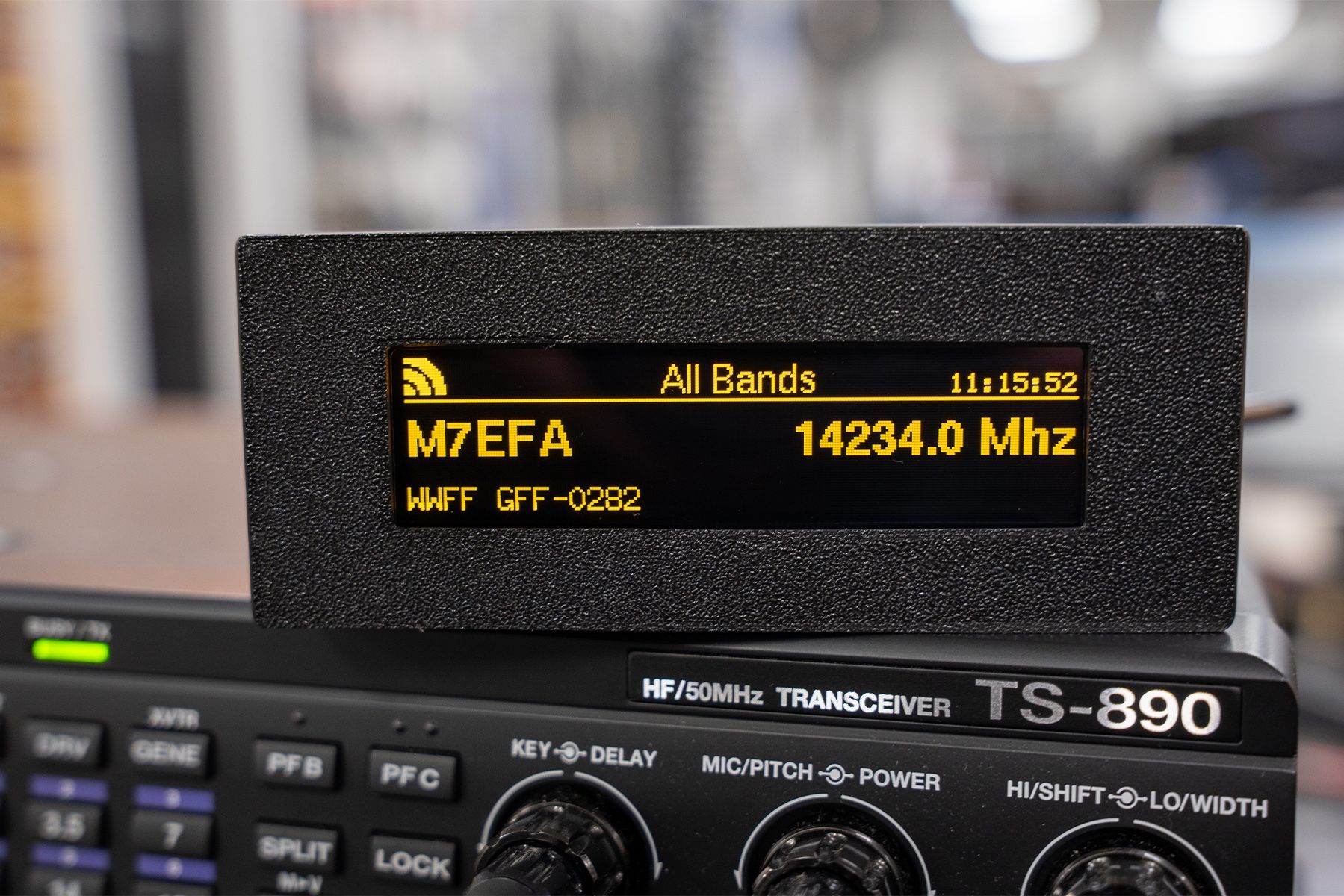
The TopBytes DXSpotter is a compact, WiFi enabled DX cluster display that brings real time spot information straight into your shack – without needing a PC, laptop or tablet running all day. Just add USB power and WiFi, and you have a dedicated DX “radar screen” for your favourite bands.
What is DXSpotter?
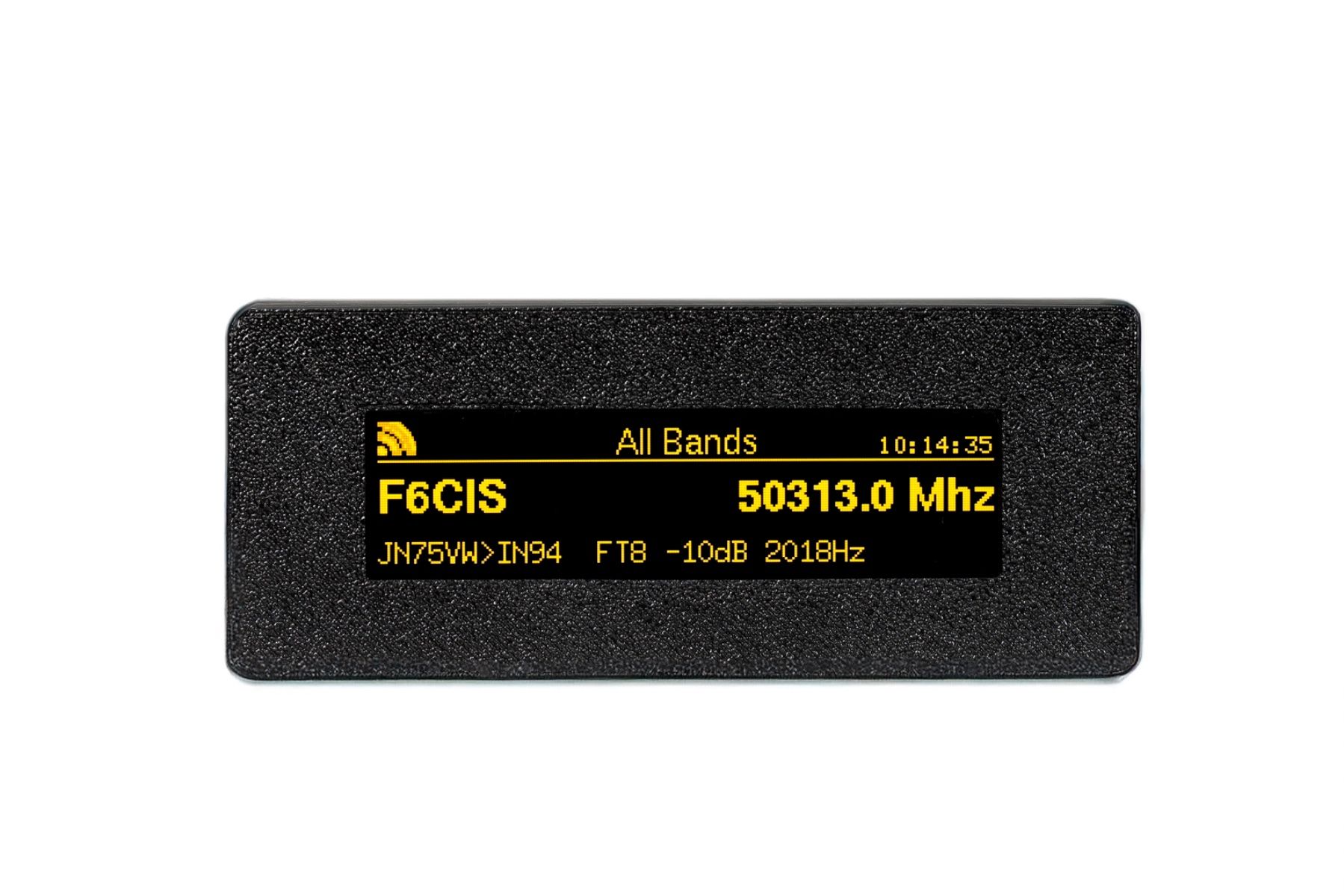
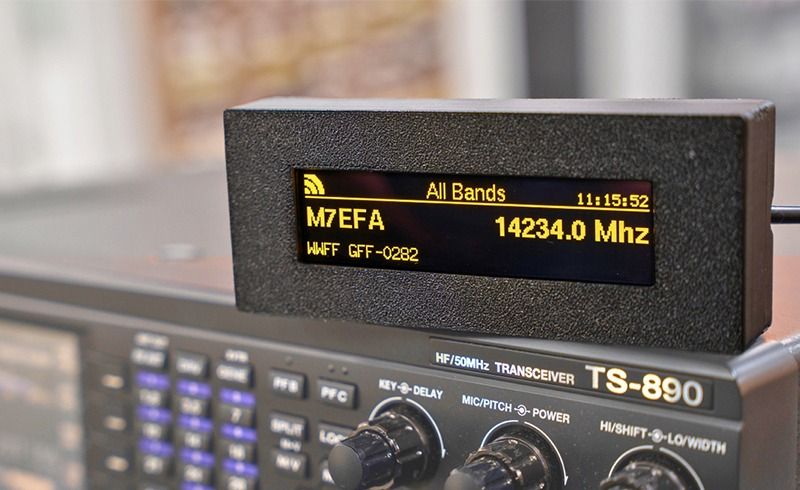
DXSpotter connects to your chosen DX cluster over the internet and shows live spots on its bright 256×64 yellow OLED display. Frequency, callsign and comment are clearly presented with smooth scrolling, a band title, WiFi signal icon and real time clock, so you can see band activity at a glance from across the room.
FEATURES
- Dedicated DX cluster display for amateur radio stations
- Built in WiFi – connects to your home or portable network
- Works with standard Telnet based DX clusters (DXSpider, CC Cluster, etc.)
- Pre configured to use the UK hamserve DX cluster by default
- High contrast 256×64 yellow OLED screen with smooth scrolling
- Shows callsign, frequency in MHz and spot comments
- Status line with WiFi signal strength, custom display title and clock
- Web based configuration portal – no special software required
- Band and frequency filtering so you only see the spots you care about
- Adjustable scroll interval and spot history (1–15 recent spots)
- Stores settings in non volatile memory so it remembers everything after power off
- OTA (Over The Air) firmware updates via secure HTTPS
- USB powered – ideal for the shack, field days and portable operation
Typical uses
- Shack monitor – keep DXSpotter on the desk to watch band openings without tying up a PC screen.
- Contest support – track activity on your chosen band and spot new multipliers quickly.
- Portable and field days – run it from a USB power bank and campsite WiFi or a portable router.
- Learning tool – great for newer licensees to see when different HF bands are open and which modes are active.
Simple setup
- Power the DXSpotter from any 5 V USB supply or power bank.
- Connect to its built in WiFi access point and open the configuration page.
- Select your WiFi, enter the password, your callsign and preferred DX cluster.
- Optionally set band filters, scroll timing and display title.
- Save and reboot – spots will begin to appear within seconds once band activity is present.
Technical highlights
- WiFi: 2.4 GHz 802.11 b/g/n, WPA/WPA2 security
- Display: 256×64 pixel yellow OLED, wide viewing angle
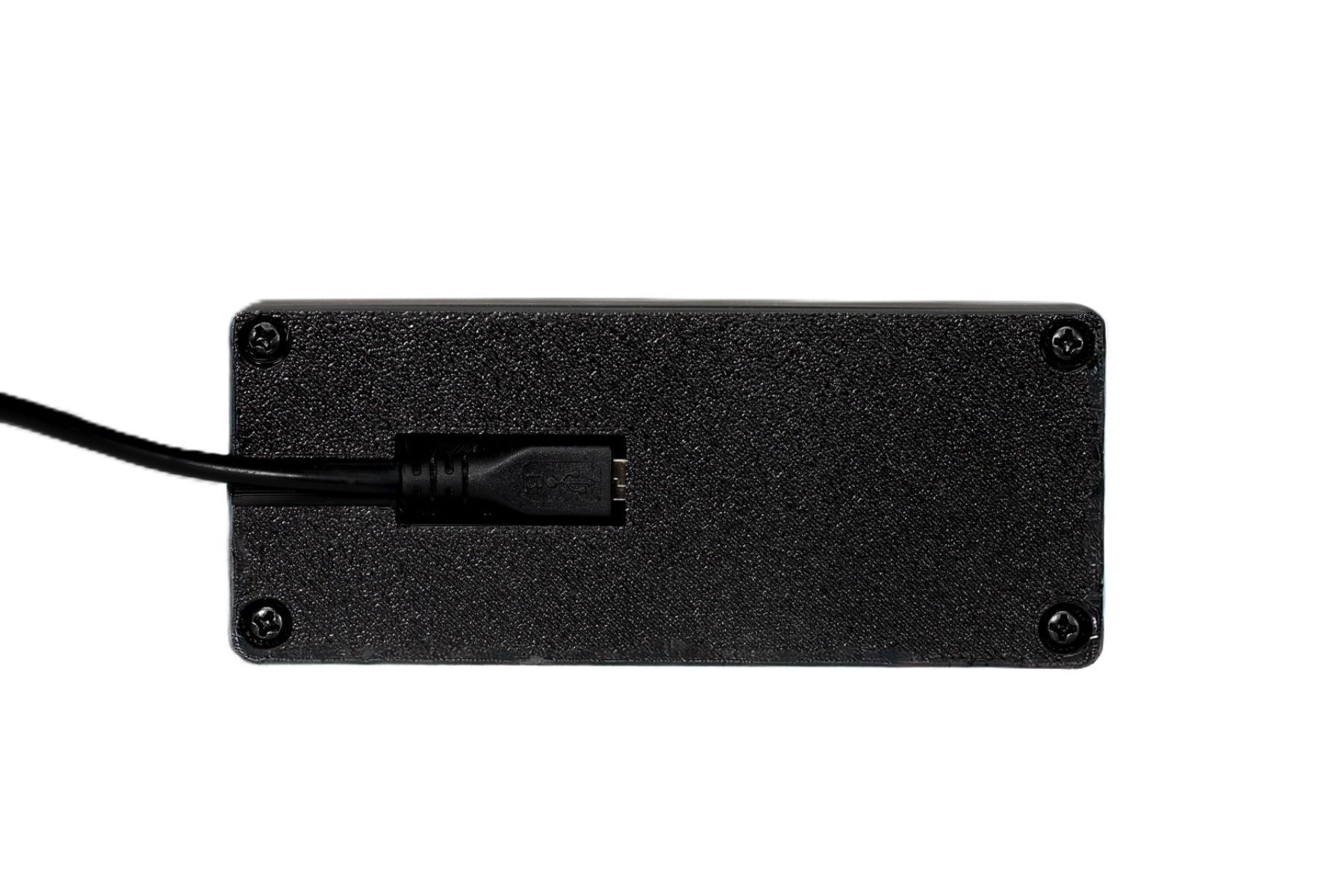
- Power: 5 V DC via micro USB, typically 1–2 W
- Protocol: Telnet DX cluster over TCP, HTTP web interface, NTP time sync
- Configuration: Built in captive portal and web server
If you want a neat, low power way to keep an eye on DX and band conditions without leaving a computer on, the TopBytes DXSpotter is a superb addition to any modern shack.